 Paint Lanes
Plan every shot. Paint the picture.
A blank pixel picture waits on top, pots of paint wait below. Send each pot down a lane, fill the matching cells and finish the whole picture.
A pixel puzzle you solve with your head
Paint Lanes mixes the calm of pixel art with the planning of a lane puzzle. Short levels, clear rules, a picture at the end.
Pick a pot, choose a lane, fire
Drag a pot onto a lane arrow, or tap a pot and then tap a lane. The pot paints every cell of its colour along that lane.
Think a few steps ahead
Some lanes stay locked until you paint their key cell, and linked pots need two free slots in the tray. Order matters.
A new picture every level
More than 80 pixel pictures, each one a different scene to uncover, one shot at a time.
See it in action
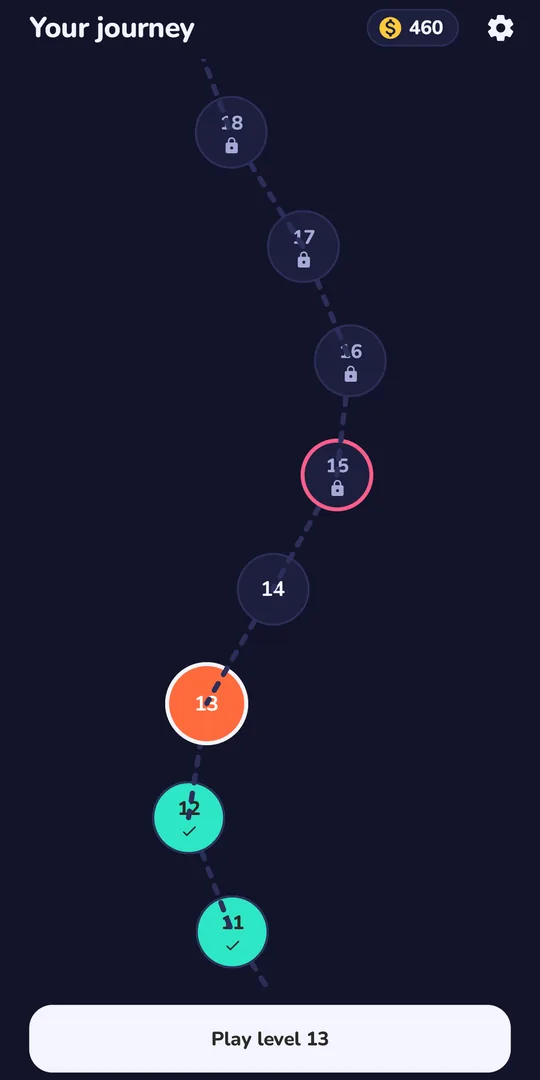
Real screens from the game: levels, the finished picture and your journey.
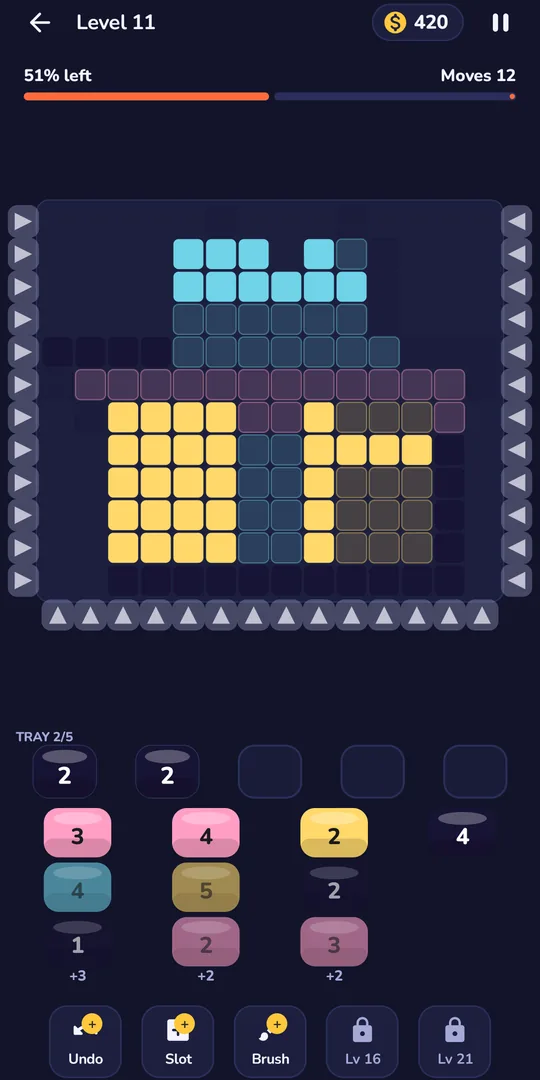
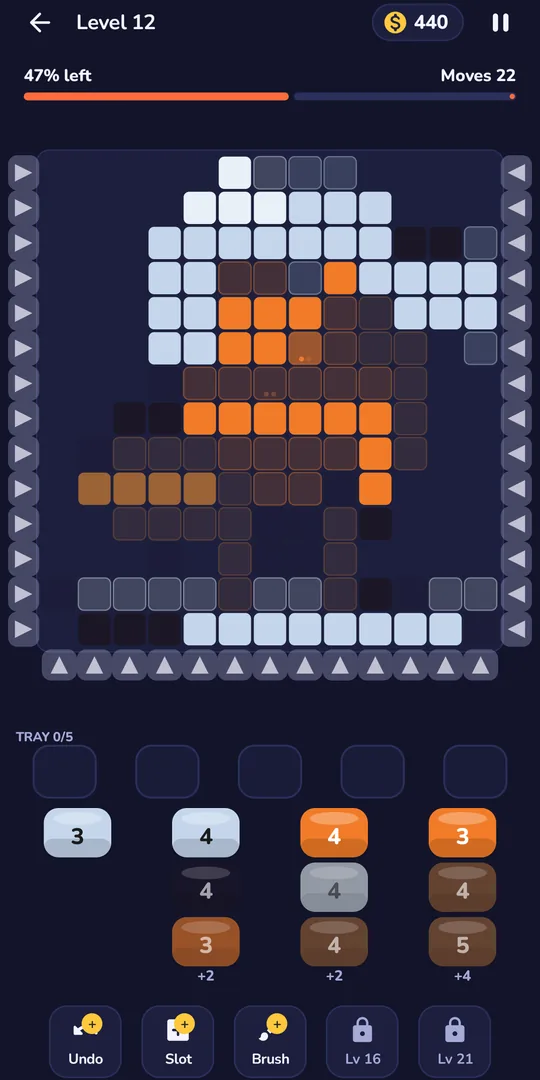
Drag a pot onto a lane and watch the cells fill
Later pictures ask you to think a few moves ahead
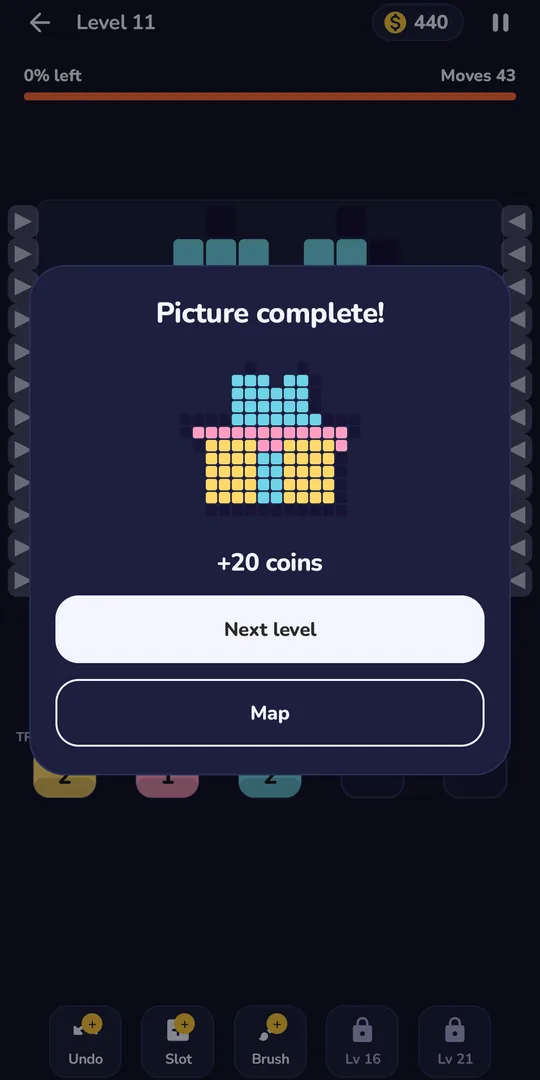
Finish the picture, collect your coins
Follow the journey map from level to level
Everything you need, nothing you don't
Made to be picked up in a minute and played for as long as you like.
Journey map
Follow the map through 80+ levels. New levels open as you clear the ones before, and you can replay any finished level.
Five boosters
Undo, Slot, Brush, Shuffle and Rainbow help when you are stuck. They unlock as you go.
Coins for every picture
Complete a picture and earn coins to spend on boosters.
Colour-blind symbols
Turn on a small shape drawn on every colour so pots are easy to tell apart.
Pause and pick up later
Leave a level at any time. Your progress is saved so you can come back to the same spot.
Easy on the eyes
A dark look that is comfortable in the evening, plus optional vibration feedback you can switch off.
Plays offline
Every level is already on your phone. No connection needed to paint.
No account
Open the app and start painting. There is nothing to sign up for.
Free to play
Free to download. Occasional ads between levels, and short videos are always optional.
How to play
Four steps, and you will be painting in under a minute.
Pick a pot
Choose a paint pot from the racks below the picture.
Choose a lane
Drag the pot onto a lane arrow, or tap the pot and then the lane.
Fill the cells
The pot fires down the lane and paints the cells that match its colour.
Finish the picture
Mind the tray, use boosters if you are stuck, and clear every cell to complete the level.
Boosters for the sticky moments
When a pot refuses to fit, you have help. Boosters unlock as you play, and you earn coins by completing pictures.
Undo and Slot
Take back your last move, or add one more slot to the tray.
Brush
Paint one cell completely with a single tap.
Shuffle and Rainbow
Reorder the pots in the racks, or fire 6 shots of the colour the chosen lane needs next.
Free to play
Paint Lanes costs nothing to download or play.
Paint Lanes on Android
- No account and no sign-up
- Every level is on your phone and plays offline
- Occasional ads between levels
- Short videos are always optional: watch one to add a tray slot when you run out, or to double the coins from a level
- Where required, such as in the EEA and UK, the app asks for your ad choices first and lets you change them in Settings
Questions, answered
Something else? Send a message from the support page.
Is Paint Lanes free?
Yes. It is free to download and play. There are occasional ads between levels, and the short videos are always optional.
Do I need an internet connection?
No. Every level is already on your phone, so you can play offline. Ads can only appear when you are online.
Do I need to create an account?
No. Open the app and start painting.
What happens when the tray fills up?
The tray is your working space, so keep an eye on it. If you are running out of room, use Undo, add a slot with the Slot booster, or watch an optional video to add one.
How do the boosters work?
Undo takes back your last move. Slot adds one tray slot. Brush paints one cell with a single tap. Shuffle reorders the pots in the racks. Rainbow fires 6 shots of the colour the chosen lane needs next. They unlock as you progress.
Can I replay levels I have finished?
Yes. You can replay any level you have already completed, and your progress is saved.
Is there help for colour blindness?
Yes. Turn on colour-blind symbols and a small shape is drawn on every colour.
How do I send feedback or report a problem?
Use the support page linked below and tell us what you would like to see next.
What about my data and ads?
The app shows ads through ad partners and asks for your consent where the law requires it. The privacy policy explains exactly what is processed.